

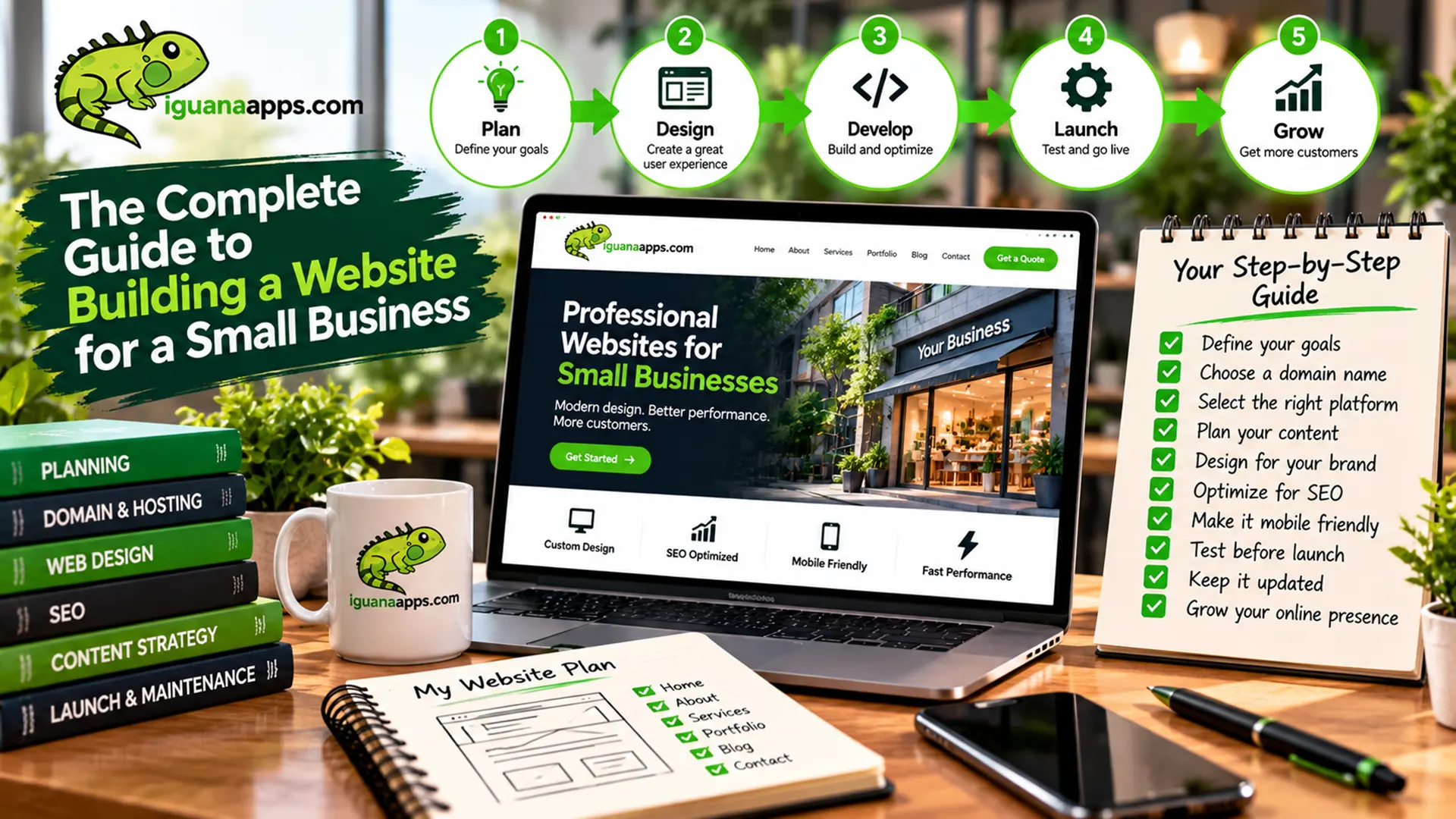
For a small business, a website can be one of the most important tools for attracting customers, explaining your services, building credibility, and generating new business.
But creating a website isn’t simply a matter of putting a logo and phone number online.
A successful business website starts with a clear understanding of your customers and what you want the website to accomplish.
This guide walks through the major steps involved in building a small-business website.
- Determine What Your Website Needs to Accomplish
Before thinking about colors, fonts, or technology, determine the purpose of your website.
Your website might be designed to:
- Generate leads
- Receive quote requests
- Sell products
- Schedule appointments
- Provide information
- Showcase your work
- Build credibility
- Support existing customers
- Collect inquiries
- Promote specific services
You may have several goals, but identifying the most important ones will help guide the rest of the project.
- Understand Your Customers
A good website isn’t designed only around what the business wants to say.
It should also answer the questions customers are asking.
Consider:
- Who are your customers?
- What problems are they trying to solve?
- What information do they need before contacting you?
- What concerns might prevent them from buying?
- What information would help them trust your business?
The answers can influence everything from the website’s navigation to its content and calls-to-action.
- Plan Your Website Structure
Before development begins, determine what pages you’ll need.
A small business website may include:
- Home
- About
- Services
- Individual service pages
- Portfolio
- Testimonials
- FAQ
- Blog
- Contact
Not every business needs every page.
The goal is to create a structure that makes it easy for visitors to find the information they need.
- Create Useful Content
Your website needs content that clearly explains your business.
Service pages should explain what you offer, who it’s for, and what customers can expect.
Avoid filling pages with vague marketing language.
Instead, answer the questions your customers actually have.
Useful content can also help search engines understand what your business offers.
- Design for Mobile Devices
A modern website should work well on smartphones and tablets as well as desktop computers.
Your mobile experience should make it easy to:
- Read content
- Navigate menus
- Click buttons
- Complete forms
- Call your business
- Find your location
Responsive design allows the website to adapt to different screen sizes.
- Make It Easy to Contact You
Don’t make potential customers work to reach you.
Depending on your business, provide clear options such as:
- Phone
- Contact form
- Quote request
- Appointment booking
- Store location
- Business hours
Your primary call-to-action should be easy to find.
- Build Search Engine Optimization Into the Website
SEO shouldn’t be treated as something completely separate from website development.
Your website should have a solid technical foundation, including:
- Logical page structure
- Descriptive URLs
- Appropriate headings
- Search-friendly content
- Mobile compatibility
- Good performance
- Internal links
- Proper metadata
Once the website is live, ongoing content and SEO work can build upon that foundation.
- Make Security a Priority
Security requirements depend on what your website does.
At a minimum, businesses should consider:
- HTTPS
- Software updates
- Strong authentication
- Backups
- Secure hosting
- Monitoring
- Protection of customer information
E-commerce and websites handling sensitive information may require additional security measures.
- Test Before Launch
Before launching, test the website carefully.
Check:
- Phones
- Tablets
- Desktop computers
- Major browsers
- Contact forms
- Links
- Navigation
- Images
- Buttons
- Checkout functionality, if applicable
A launch checklist can help catch problems before customers encounter them.
- Keep Improving After Launch
Launching your website isn’t the end of the project.
Your business will change.
New services may be introduced. Customers may ask new questions. Search behavior may change.
Continue improving your website based on real customer feedback and website analytics.
Should You Build the Website Yourself?
Some businesses can successfully create a simple website using a website builder.
However, professional development can be useful when you need:
- Custom functionality
- Professional design
- Integrations
- Advanced SEO
- E-commerce
- Custom applications
- Ongoing technical support
The right choice depends on your goals and resources.
Build a Website That Supports Your Business
At Iguana Technologies, we help businesses turn their ideas and requirements into practical web solutions.
Whether you need a straightforward business website or a more advanced online platform, the process starts with understanding your business.
Ready to Build Your Business Website?
Contact us at Iguana Technologies to discuss your goals, requirements, and next steps.
Your website should do more than exist online—it should help your business move forward.
Contact us
Get a FREE, NO OBLIGATION consultation appointment any time, by filling out the form below!
