

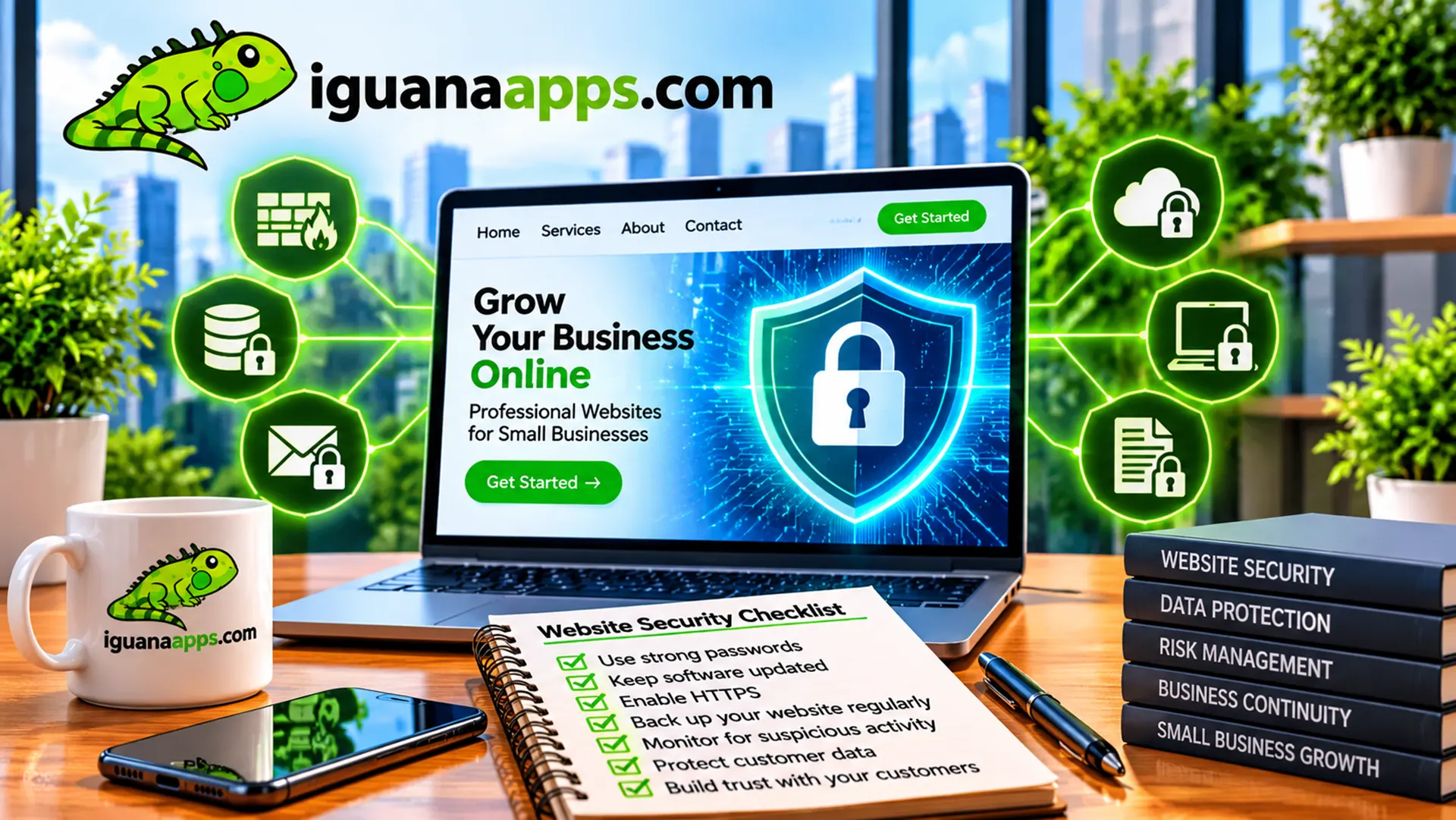
When people hear the words “website security,” they sometimes imagine that only large corporations need to worry about it.
That’s not the case.
Small businesses can also face website security problems, particularly when websites use outdated software, weak passwords, poorly configured systems, or neglected third-party components.
Your website may be one of your most important business assets.
Protecting it should be part of your overall business strategy.
What Is Website Security?
Website security is the practice of protecting a website and its underlying systems from unauthorized access, disruption, data loss, and other threats.
Security can involve many different areas, including:
- Software updates
- Password protection
- Access controls
- Secure hosting
- HTTPS
- Backups
- Monitoring
- Application security
- Database security
There isn’t one single feature that makes a website secure.
Security is a process.
Why Would Someone Target a Small Business?
Some business owners assume their company is too small to attract attention.
But automated systems can scan websites looking for known vulnerabilities without specifically targeting an individual business.
That means a website can encounter problems even if the business isn’t famous or storing large amounts of sensitive information.
- Your Website Represents Your Business
Your website is part of your public reputation.
If it’s compromised, visitors may encounter:
- Unexpected content
- Broken pages
- Suspicious redirects
- Security warnings
- Unavailable services
Even if the underlying problem is quickly fixed, the incident can affect customer confidence.
- Your Website May Contain Valuable Information
Depending on the website, it may contain:
- Customer information
- Contact submissions
- Account information
- Business data
- Product information
- Administrative credentials
The type of information your website handles should influence your security strategy.
- Weak Passwords Create Unnecessary Risk
One of the simplest security improvements is also one of the most important.
Administrative accounts should use strong, unique passwords.
Whenever appropriate, businesses should also use multi-factor authentication.
Access should be limited to people who actually need it.
- Outdated Software Can Create Problems
Websites frequently rely on software components.
These may include:
- Content management systems
- Plugins
- Themes
- Frameworks
- Libraries
- Server software
When vulnerabilities are discovered, updates may be released to address them.
Leaving software outdated for long periods can increase unnecessary risk.
- HTTPS Is Essential
HTTPS encrypts communication between a visitor’s browser and your website.
Modern websites should use HTTPS throughout the site, particularly when handling forms, accounts, or transactions.
- Backups Are Part of Security
Even with good security practices, problems can happen.
That’s why businesses should maintain reliable backups.
A backup can provide an important recovery option if a website experiences:
- Data loss
- Software problems
- Accidental deletion
- A security incident
- Hosting problems
A backup is only useful if it can actually be restored, so businesses should periodically verify their backup process.
- Limit Administrative Access
Not everyone who works with your company needs administrative access to the website.
Use appropriate permissions and remove access when someone no longer needs it.
This reduces the number of accounts that could potentially be compromised.
- Keep Security in Perspective
Website security doesn’t mean a business can guarantee that nothing will ever go wrong.
Instead, the goal is to reduce unnecessary risks and prepare for problems when they occur.
Good security includes prevention, monitoring, maintenance, and recovery.
Security Should Be Ongoing
A website isn’t secure simply because it was secure when it launched.
Technology changes.
Software receives updates.
New vulnerabilities are discovered.
Business employees change.
That’s why security should be part of ongoing website maintenance.
Need Help Protecting Your Website?
Iguana Technologies can help businesses maintain and improve their websites, including updates, security practices, backups, and technical maintenance.
If your website hasn’t been maintained regularly, now is a good time to review it.
Contact us at Iguana Technologies to discuss your website security and maintenance needs.
Contact us
Get a FREE, NO OBLIGATION consultation appointment any time, by filling out the form below!
