

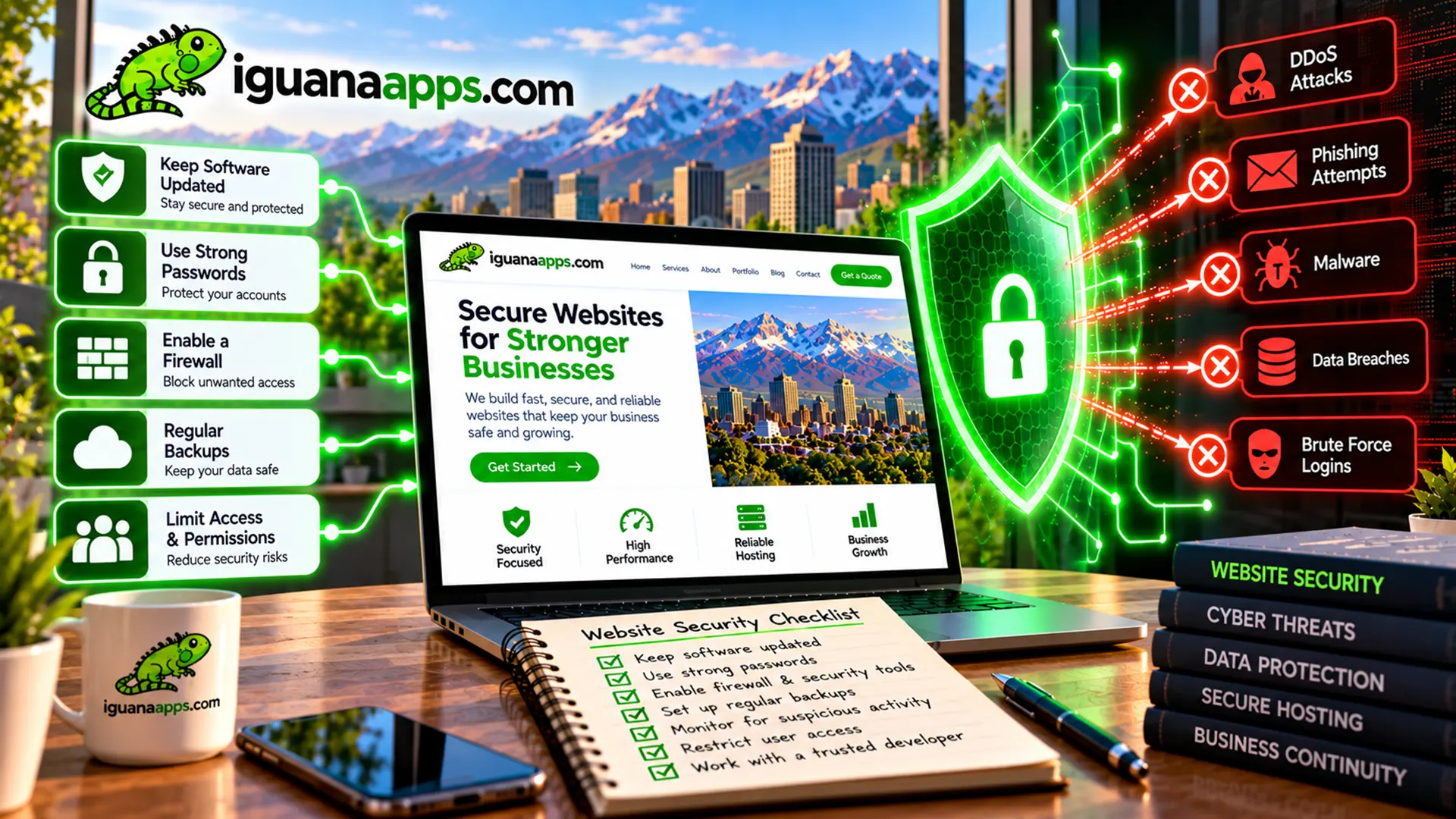
Your website is an important part of your business.
It may generate leads, sell products, collect customer inquiries, provide information, or support your employees.
That makes protecting it an important responsibility.
While no security strategy can eliminate every possible risk, businesses can take practical steps to significantly improve their website’s security.
- Keep Everything Updated
One of the most important maintenance tasks is keeping website software current.
This may include:
- Content management systems
- Plugins
- Themes
- Frameworks
- Server software
- Libraries
Updates may include security fixes, so they shouldn’t be ignored.
- Use Strong Passwords
Every administrative account should use a strong, unique password.
Avoid using the same password across multiple systems.
If one account is compromised, password reuse can create additional problems.
- Enable Multi-Factor Authentication
If your website platform or hosting provider supports multi-factor authentication, consider enabling it for administrative accounts.
This adds an additional verification step when someone signs in.
- Limit User Access
Give employees and contractors only the access they need.
For example, someone who only needs to edit website content may not need access to server settings.
Limiting permissions reduces unnecessary exposure.
- Use HTTPS
Your website should use HTTPS.
This helps protect information exchanged between visitors and your website and is an expected part of modern website infrastructure.
- Maintain Reliable Backups
Create regular backups of your website and important data.
Don’t assume your hosting provider’s backup system is sufficient for every situation.
Understand:
- What is being backed up
- How often
- Where backups are stored
- How long they are retained
- How they can be restored
- Remove Unused Software
Old plugins, themes, integrations, and applications can create unnecessary maintenance and security requirements.
If you don’t need something, consider removing it rather than leaving it installed indefinitely.
- Secure Your Hosting
Your hosting environment is part of your website’s security.
Use reputable hosting and make sure important administrative accounts are protected.
For more complex websites, consider whether your hosting environment provides appropriate monitoring, backups, access controls, and security capabilities.
- Monitor Your Website
Regular monitoring can help identify unusual changes.
Depending on your website, monitoring may include:
- Availability
- Software changes
- Login activity
- Performance
- Security events
Early detection can make problems easier to address.
- Have a Recovery Plan
Ask an important question:
What would we do if our website stopped working tomorrow?
Your recovery plan should identify:
- Who is responsible
- Where backups are located
- Who manages hosting
- Who has administrative access
- How the website can be restored
Preparation can save valuable time during an unexpected problem.
Don’t Assume Someone Else Is Handling Everything
Business owners sometimes assume their hosting provider, developer, or software provider automatically handles every security issue.
That may not be the case.
Understand which responsibilities belong to your business and which are handled by your service providers.
Security Is an Ongoing Process
Protecting your website isn’t a one-time project.
Your website changes.
Employees change.
Software changes.
Threats change.
Your security practices should change with them.
Need Help Securing Your Website?
Iguana Technologies can help businesses review website maintenance, access, updates, backups, and other technical requirements.
If you’re not sure whether your website is being properly maintained, we can help you identify what needs attention.
Contact us at Iguana Technologies to discuss your website security.
Contact us
Get a FREE, NO OBLIGATION consultation appointment any time, by filling out the form below!
