

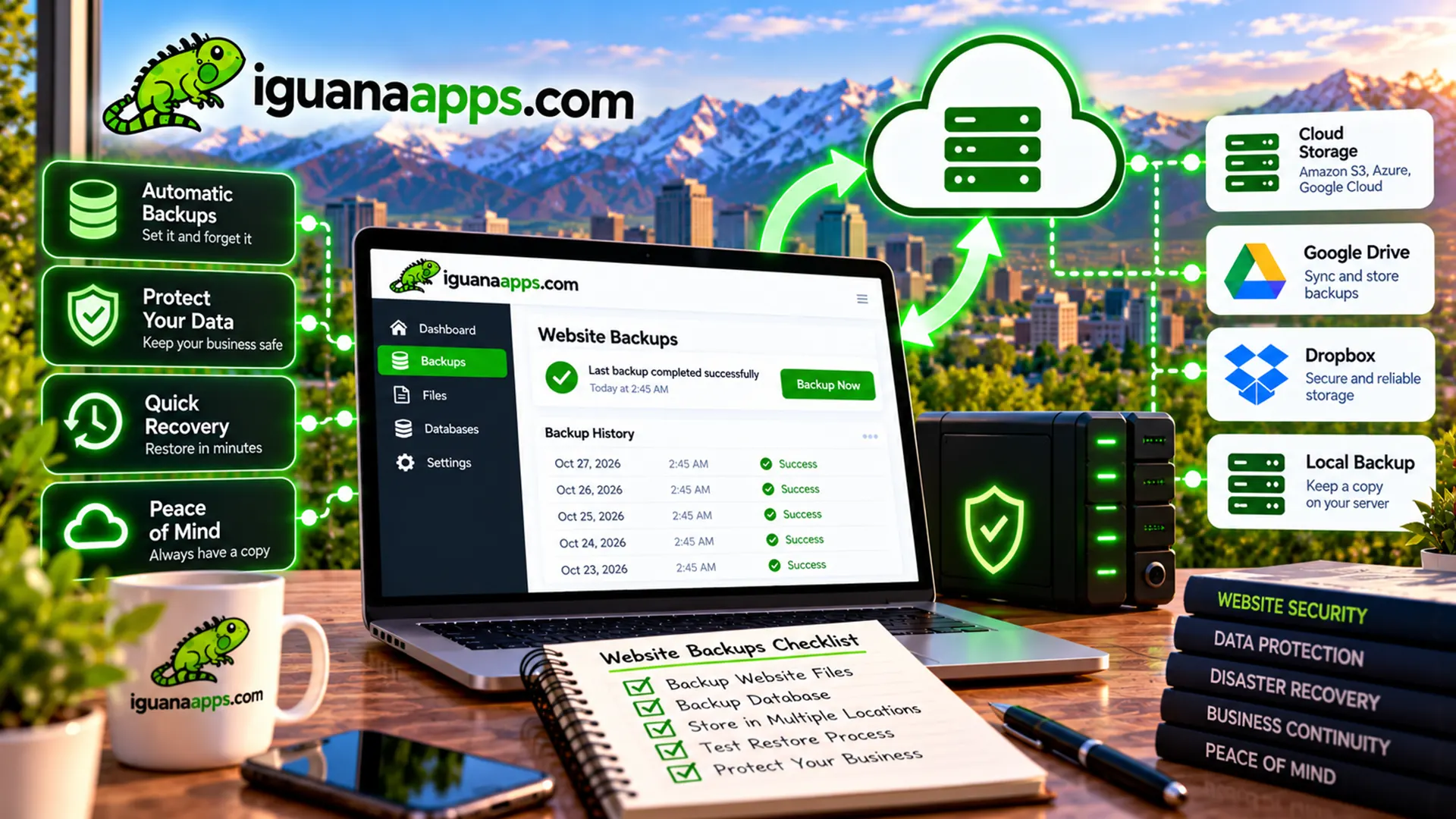
Imagine waking up one morning and discovering that your business website is gone.
Maybe something went wrong during an update.
Maybe a server failed.
Maybe an employee accidentally deleted something.
Maybe your website experienced a security incident.
Whatever the cause, the important question becomes:
Can your website be restored?
That’s why backups are one of the most important parts of website maintenance.
What Is a Website Backup?
A backup is a copy of your website and/or its associated data that can be used to restore the site if something goes wrong.
Depending on the website, backups may include:
- Website files
- Images
- Databases
- Product information
- Customer information
- Configuration files
- Uploaded documents
The exact backup requirements depend on how your website is built.
Why Do Businesses Need Backups?
Accidental Deletion
Someone may accidentally delete a page, product, image, or database record.
A backup can provide a recovery option.
Software Problems
Updates sometimes cause unexpected compatibility issues.
Having a recent backup can make it easier to recover.
Hosting Problems
Server problems can potentially make websites unavailable or cause data loss.
An independent backup can provide additional protection.
Security Incidents
If a website is compromised, restoring from a known-good backup may be part of the recovery process.
What Should Be Backed Up?
For a simple website, backing up the website files and database may be sufficient.
More complex websites may also need:
- Uploaded media
- Configuration
- Customer records
- Product data
- Custom application files
- Integration settings
Your developer should determine what needs to be included based on your technology.
How Often Should a Website Be Backed Up?
The appropriate frequency depends on how often your website changes.
For example, a website that rarely changes may have different requirements than an online store receiving orders every few minutes.
A useful principle is:
The more frequently your data changes, the more frequently you should consider backing it up.
Don’t Rely on a Single Backup
A backup stored in exactly the same location as your website may not protect you from every type of failure.
Businesses should consider where backups are stored and how they can be accessed if the primary website environment becomes unavailable.
Test Your Backups
One of the most important things businesses can do is test restoration.
It’s easy to assume:
“Yes, we have backups.”
But can you actually restore the website?
A backup strategy should include periodic verification that backups are complete and usable.
Understand Your Hosting Provider’s Backup Policy
If your website is hosted by another company, ask:
- Are backups included?
- How often are they created?
- How long are they retained?
- Where are they stored?
- Can individual files be restored?
- Can the entire website be restored?
- Who is responsible for initiating recovery?
Don’t assume the answer.
Understand the service you’re paying for.
Backups Aren’t the Same as Security
Backups are an important part of security and disaster recovery, but they aren’t a replacement for security.
You still need appropriate:
- Passwords
- Access controls
- Software updates
- Monitoring
- Secure hosting
- Development practices
A backup helps you recover.
Security practices help reduce the likelihood and impact of problems.
Create a Recovery Plan
Your business should know what happens if the website goes down.
Identify:
- Who manages the website
- Who manages hosting
- Where backups are located
- Who has administrative access
- Who should be contacted during an emergency
Having this information available before a problem occurs can save valuable time.
Protect Your Website Investment
Your website may represent thousands of dollars in development, content, products, and business data.
Protecting that investment with a reliable backup strategy is a relatively small part of the overall picture.
Need Help With Website Backups?
Iguana Technologies can help businesses evaluate their website maintenance and backup requirements.
If you’re not sure whether your website is being backed up properly—or whether those backups can actually be restored—we can help you review your setup.
Contact us at Iguana Technologies to discuss website maintenance, backups, and ongoing support.
Contact us
Get a FREE, NO OBLIGATION consultation appointment any time, by filling out the form below!
